ข้ามไปยังเนื้อหา

Desktop

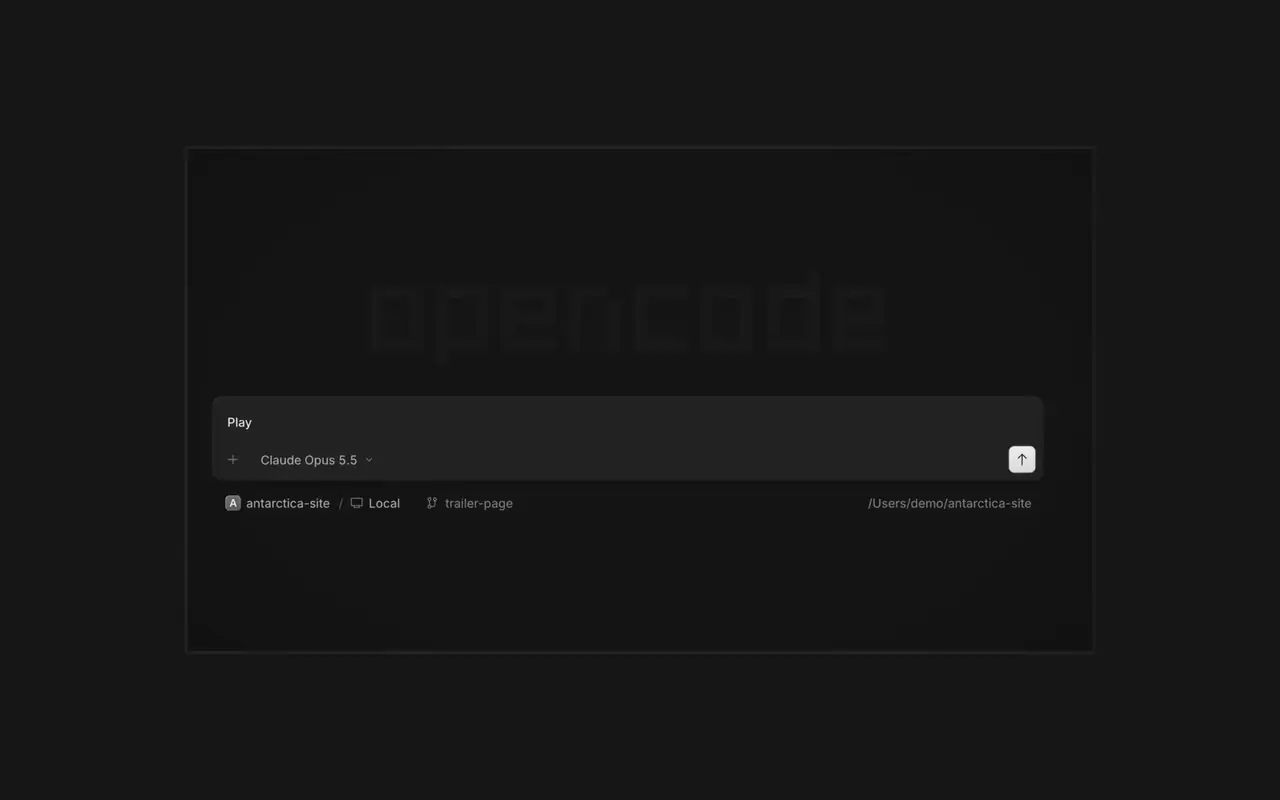
รันเอเจนต์หลายตัวพร้อมกัน แต่ละเซสชันอยู่ในแท็บของตัวเอง ตรวจทุกการเปลี่ยนแปลงเป็น diff แสดงความคิดเห็นในบรรทัดใดก็ได้ และตรวจผลลัพธ์ในเบราว์เซอร์ในตัว สำหรับ macOS, Windows และ Linux

ฟีเจอร์

เอเจนต์แบบขนาน

เริ่มเอเจนต์ได้มากเท่าที่ต้องการ แล้วปล่อยให้ทั้งหมดทำงานพร้อมกัน สลับไปดูแต่ละตัวเมื่อทำเสร็จ

ดูในเบราว์เซอร์

แอปของคุณเปิดในเบราว์เซอร์ข้างเอเจนต์ ทั้งคุณและเอเจนต์จึงเห็นทุกการเปลี่ยนแปลงทันที

บนทุกอุปกรณ์

เริ่มเอเจนต์บนทุกอุปกรณ์ของคุณ แล้วทำต่อได้จากแอปเดสก์ท็อป เทอร์มินัล หรือโทรศัพท์

ขยายความสามารถ

เชื่อมต่อเครื่องมือและบริการของคุณ เพื่อให้เอเจนต์ทำงานกับอะไรก็ได้ หรือให้ OpenCode สร้างปลั๊กอินให้ตัวเอง พร้อม UI ของตัวเองในแถบด้านข้าง

บันทึกการเปลี่ยนแปลง

  1. v1.19.6

    OpenCode 1 now offers the upgrade to OpenCode 2.0

    OpenCode 1 now offers the upgrade to OpenCode 2.0. OpenCode 2 downloads in the background and installs only when you choose: Restart to upgrade, Upgrade on quit, or Later. Your sessions, projects, and settings are kept. Plugins made for OpenCode 1 need an update.

  2. v2.3.0

    Jump to an Earlier Prompt

    In the desktop app, open Jump to message from the command palette or press Cmd+Alt+G (Ctrl+Alt+G on Windows and Linux) to search prompts across the current session and jump directly to one.#63585

    ดูไฮไลต์ทั้งหมดใน v2.3.0

    การปรับปรุง

    • DesktopAdded the experimental Recent sessions sidebar, with cross-server recency, local pins, reordering, and standard session-row actions.
    • DesktopRecent sessions are limited to the last seven days and 30 rows, and can be hidden or muted.
    • DesktopAdded an experimental customizable sessions sidebar.
    • DesktopMermaid diagrams can now be maximized for zooming and panning.#59250
    อีก 5 รายการ การปรับปรุง

    การแก้ไข

    • DesktopRecent sessions now keep stable recency ordering through list reloads, renames, and completed runs.
    • DesktopFixed browser panes not retrying after server plugins finish loading.
    • DesktopFixed mention suggestions being recreated while typing.
    • DesktopFixed SSH prompts failing to advance or close after connection.
    อีก 9 รายการ การแก้ไข
  3. v2.2.7

    Side Panel Tab Shortcuts

    Right-click a side panel tab and choose Close tabs to the right. ⌘W now closes side panel tabs wherever focus is, ⌥⌘W or Ctrl+Alt+W always closes the session tab, and ⌘⇧T reopens the last closed tab of either kind where it was.#62922

    Mark Sessions Read or Unread

    Open the menu on a tab, Home row, project row or inbox card and choose Mark as unread to keep its dot until you next visit.#62889

    ดูไฮไลต์ทั้งหมดใน v2.2.7

    การปรับปรุง

    • DesktopThe answer you pick in the question dock shows as a raised card.#62896
    • DesktopInline rename and custom-answer fields no longer show a focus border.#62919

    การแก้ไข

    • DesktopOn Windows and Linux, Ctrl+Shift+R toggles the review panel again instead of reloading the window.#62567


    • DesktopClosing the last side panel tab slides the panel shut.#62758
    • DesktopSelects, menus, tooltips and toasts opened from a dialog are reachable by screen readers.#62913
    • DesktopAn error appears when a path can't be opened in its default app.#62572
    อีก 3 รายการ การแก้ไข
ดูอัปเดตทั้งหมด