
Agentes em paralelo
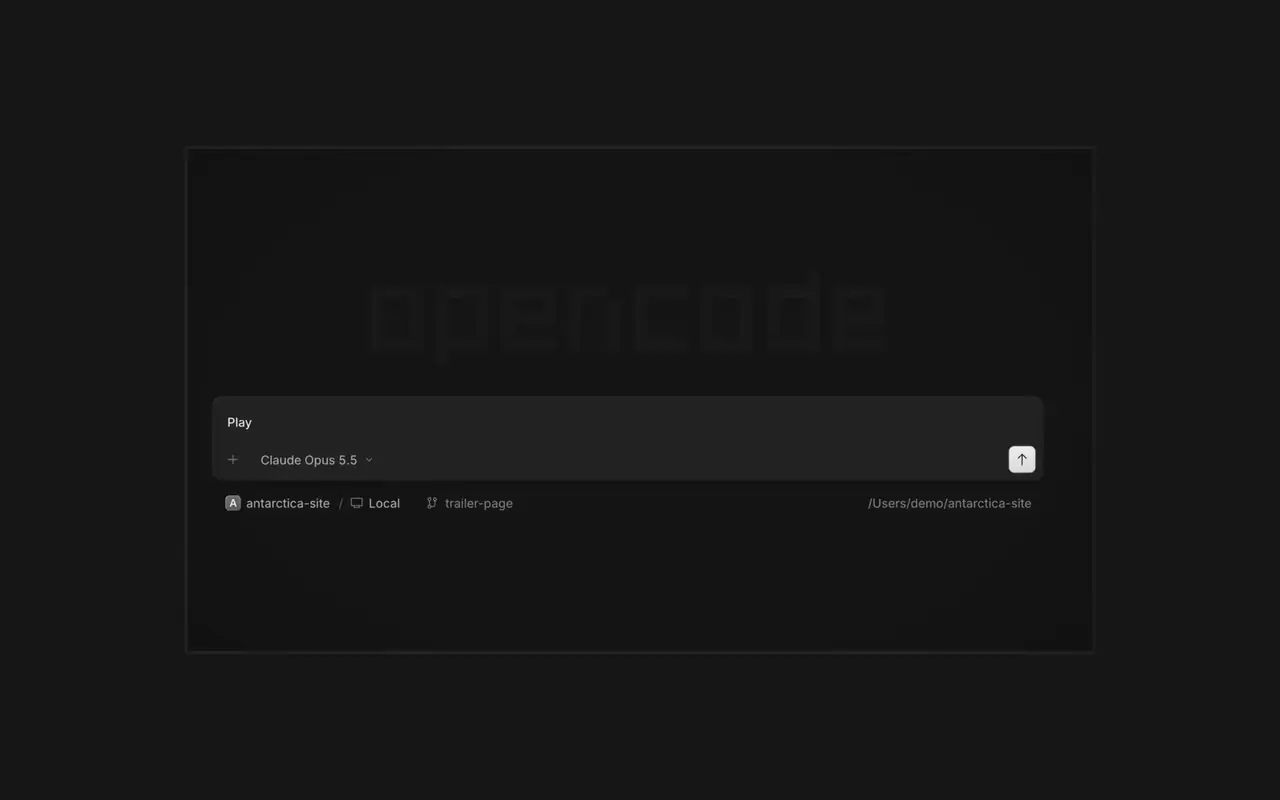
Inicie quantos agentes quiser e deixe todos trabalharem em paralelo. Alterne entre eles conforme terminam.
Inicie quantos agentes quiser e deixe todos trabalharem em paralelo. Alterne entre eles conforme terminam.

Seu app abre em um navegador ao lado do agente, então vocês dois veem cada mudança chegar.

Inicie agentes em todos os seus dispositivos e retome-os pelo app desktop, pelo terminal ou pelo celular.
Conecte suas ferramentas e serviços para o agente trabalhar com qualquer coisa. Ou peça ao OpenCode para criar plugins para si mesmo, com interface própria na barra lateral.
OpenCode 1 now offers the upgrade to OpenCode 2.0. OpenCode 2 downloads in the background and installs only when you choose: Restart to upgrade, Upgrade on quit, or Later. Your sessions, projects, and settings are kept. Plugins made for OpenCode 1 need an update.
In the desktop app, open Jump to message from the command palette or press Cmd+Alt+G (Ctrl+Alt+G on Windows and Linux) to search prompts across the current session and jump directly to one.#63585
Right-click a side panel tab and choose Close tabs to the right. ⌘W now closes side panel tabs wherever focus is, ⌥⌘W or Ctrl+Alt+W always closes the session tab, and ⌘⇧T reopens the last closed tab of either kind where it was.#62922
Open the menu on a tab, Home row, project row or inbox card and choose Mark as unread to keep its dot until you next visit.#62889
Ctrl+Shift+R toggles the review panel again instead of reloading the window.#62567